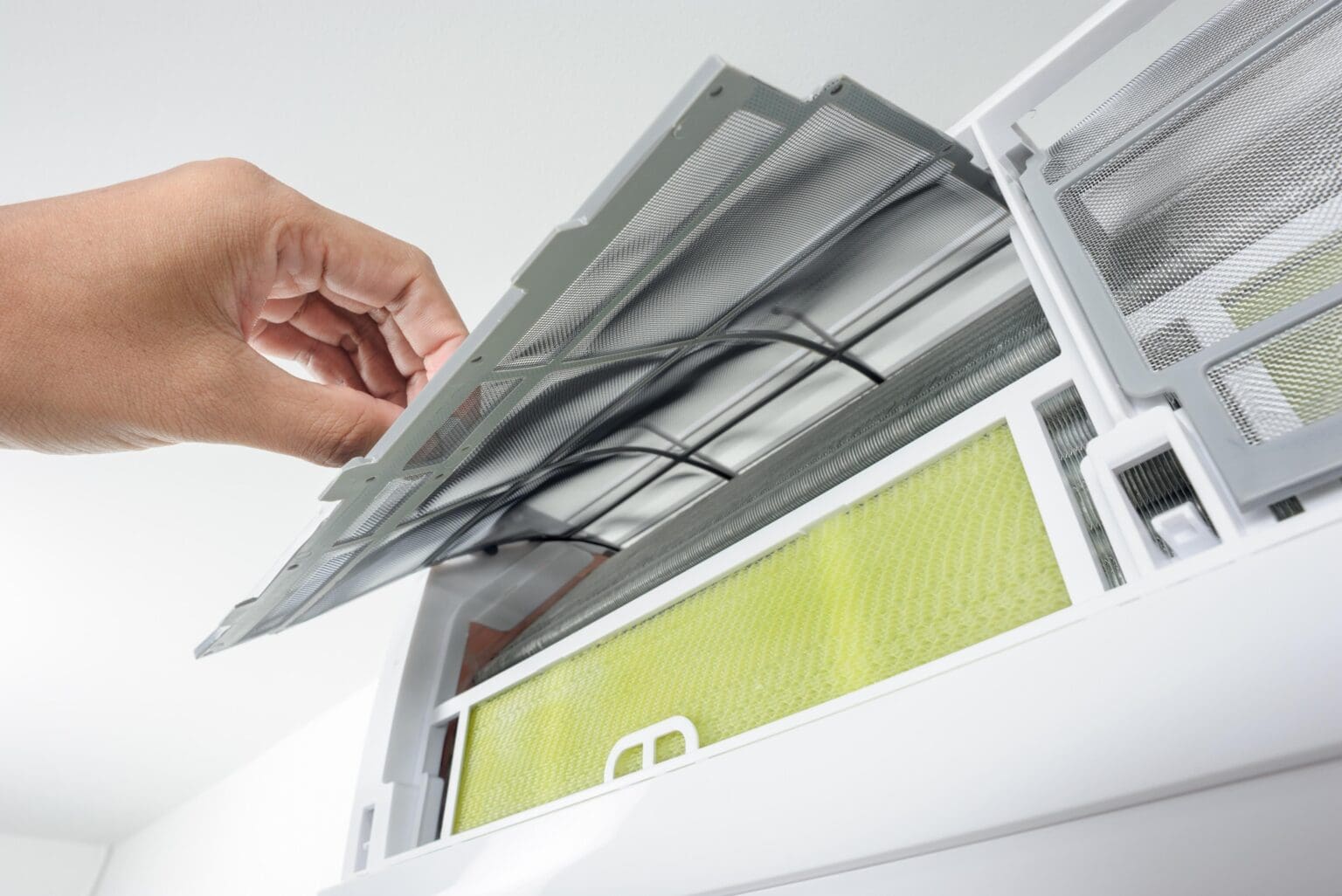
How to Clean LG Air Conditioner Filter Easily
Why Regular Filter Cleaning Matters for Your LG Air Conditioner
Consistent LG air conditioner filter cleaning is crucial not only for your unit’s efficiency but also for your home’s air quality. Dirty air filters restrict airflow, making your LG AC work harder, which can result in higher electricity bills and reduced cooling performance. Clean filters help prolong your AC’s lifespan by preventing dust and debris from collecting inside sensitive components. Moreover, a fresh filter captures pollutants and allergens, providing healthier indoor air for you and your family.
Neglecting air conditioner maintenance leads to a decline in cooling capacity and may even trigger system malfunctions. If you’re considering a new AC unit or want to know more about the impact of filter maintenance, our guide on how to choose the right air conditioner for your home offers helpful tips.
Safety First: Preparing to Clean Your LG AC Filter
- Turn off and unplug your air conditioner before beginning any cleaning process.
- Allow the unit to cool down if it has been running.
- Avoid the use of harsh chemicals or rough cleaning tools that could damage filter media.
- Ensure your hands are dry before handling any electrical components.
- Read the user manual for model-specific safety instructions.
Following these precautions will help prevent accidental injury or damage to your LG AC while performing routine filter cleaning.
Step-by-Step Instructions by Model Type
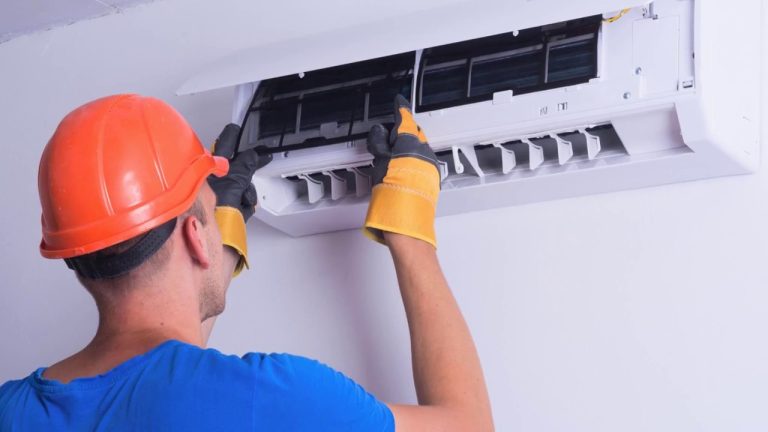
How to Clean LG Split AC Filter
- Power off the unit and unplug it.
- Open the front panel gently. Most LG split ACs have a latch or indentation at the sides.
- Locate the air filter behind the panel. Slide the filter out carefully.
- Use a vacuum cleaner with a soft brush attachment to remove surface dust and debris.
- If needed, wash the filter with lukewarm water and a small amount of mild detergent. Avoid scrubbing hard.
- Shake off excess water and dry in shade. Do not expose to direct sunlight or heat sources.
- Once completely dry, reinstall the filter and close the panel securely.
- Plug in the unit and turn it on.
For a more visual tutorial on split vs. other models, see our in-depth comparison at Window vs. Portable vs. Mini-Split: Which Air Conditioner Is Right for You?
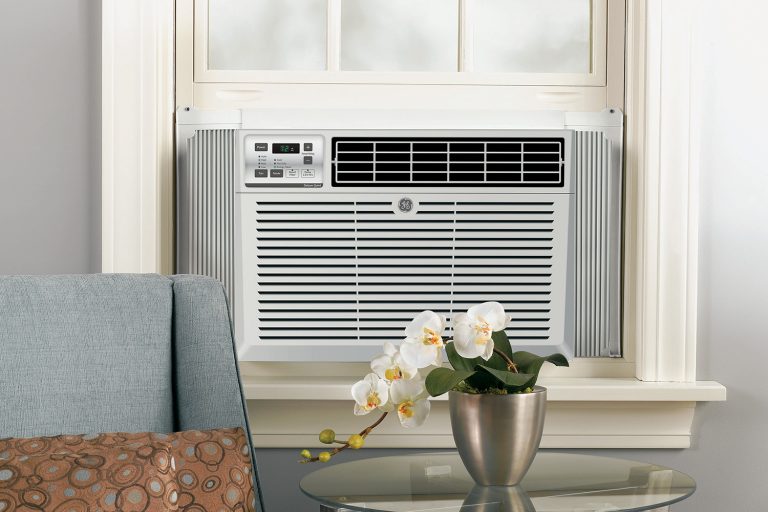
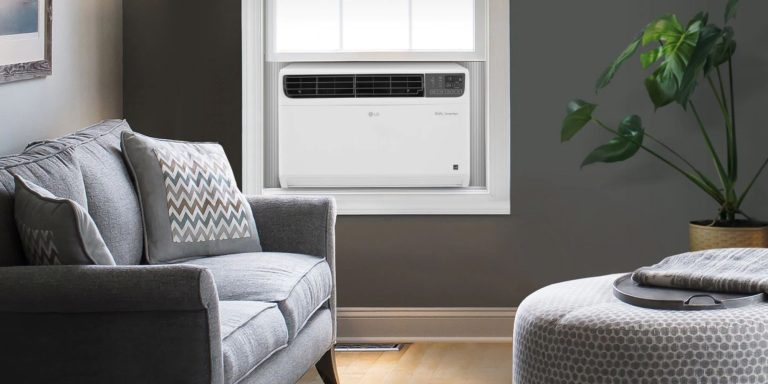
How to Clean LG Window AC Filter
- Turn off and unplug your window AC.
- Open the front/top panel (often slides or lifts off, depending on model).
- Remove the air filter (usually slides or lifts straight up/out).
- Dust the filter with a vacuum cleaner or soft brush.
- Wash in lukewarm water with mild detergent if heavily soiled. Rinse thoroughly.
- Dry in shade before reinstalling.
- Reinsert filter, close the panel, plug in, and restore power.
Cleaning Filters on LG Portable & Special Models
- Unplug the portable AC and locate the rear or side panel.
- Remove the panel to access the ultra-fine filter or deodorization filter.
- Clean by vacuuming or rinsing gently, as per manual guidance.
- Allow to dry in shade completely before replacing.
- Reinstall and secure all panels before use.
Tip: Some LG models have removable filter indicators. Refer to your specific model’s manual for diagrams or view online video demonstrations for extra clarity.
How Often Should You Clean or Replace Your LG AC Filter?
The AC filter cleaning frequency depends on usage patterns, air quality, and filter type. In general:
- Residential LG ACs: Clean the filter every 2-4 weeks during peak usage.
- Homes with pets/allergies: Clean more frequently (every 1-2 weeks).
- Commercial or high-traffic areas: Clean weekly or as recommended by the manufacturer.
LG units often feature a clean filter notification (CF notification) on the display. This reminds users when cleaning is due but does not always indicate replacement is needed. For more on maximizing cooling performance, also check our expert advice on common problems and how to fix them.
Troubleshooting & FAQs: Common Issues and Solutions
- What is the CF notification? This stands for Clean Filter. When your LG unit displays “CF,” it’s time to clean-follow the steps above.
- If cooling drops after filter cleaning? Ensure the filter is fully dry and correctly positioned. If problems persist, the evaporator coils or other parts may need servicing, or airflow could be blocked elsewhere.
- Odors even after filter cleaning? Consider replacing deodorization or ultra-fine filters. Some models also allow for cleaning behind the primary filter slot.
- When should I clean vs. replace? Filters with significant tears, holes, or deteriorated edges must be replaced promptly.
Still having issues? If your AC is not reacting to reset procedures or displays error codes not addressed here, professional maintenance is recommended.
When to Replace Instead of Clean: Understanding Filter Types
Not every LG AC filter is permanent. Recognize the difference to maximize performance and protect your AC:
- Standard mesh air filter: Designed to be cleaned and reused. Replace every few years or if damaged.
- Ultra-fine filter: Some LG models feature a secondary ultra-fine filter for extra allergen control. Replace these based on manufacturer recommendations, usually every 6-12 months.
- Deodorization filter: Manages odors but loses effectiveness over time. Replace annually or sooner if required.
Tracking replacement cycles prevents overuse and diminished air quality. If you’re unsure about your model’s requirements, consult your owner’s manual or contact LG support for guidance. When repeated cleaning fails to remove visible dirt or restore airflow, it’s time to replace LG AC filter.
Expert Tips for Maximizing AC Efficiency and Air Quality
- Set reminders: Use calendar alerts or LG smart app features for filter maintenance reminders.
- Routine inspection: Inspect filters for dust and debris even if notifications don’t appear, especially during allergy season.
- Professional maintenance: Schedule a yearly inspection to clean evaporator/condenser coils and ensure overall system health.
- Don’t block vents: Keep furniture and drapery clear of supply and return air grilles for optimal circulation.
- Handle with care: Always use a soft brush or gentle water pressure to avoid damaging filter fibers.
Following these expert tips on air conditioner maintenance will sustain cooling performance and air purity. To compare LG AC types or explore which model suits your lifestyle, don’t miss our side-by-side review at Window vs. Portable vs. Mini-Split: Which Air Conditioner Is Right for You?.